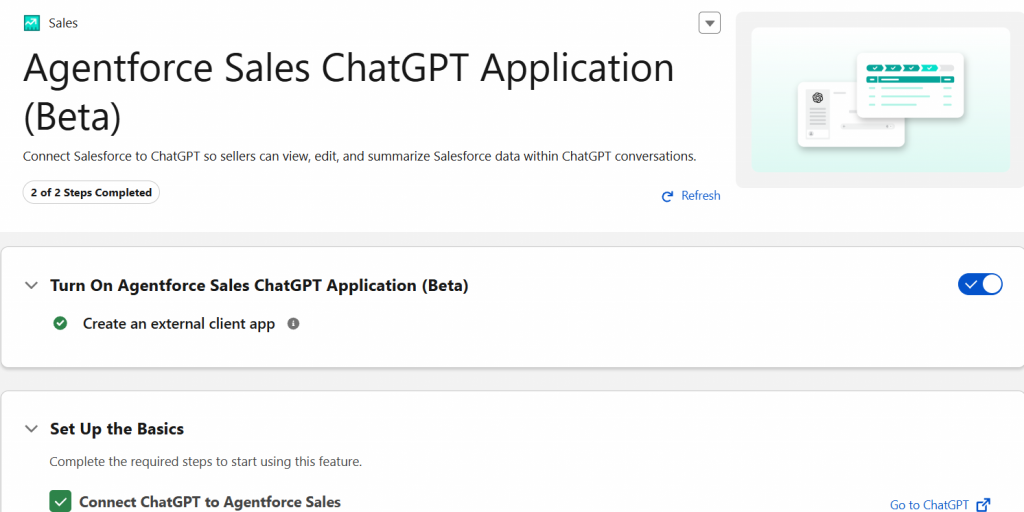


Imagine accessing your entire Salesforce CRM through natural language, like querying for leads, updating opportunities, and delegating tasks, without ever leaving ChatGPT. That’s precisely what Agentforce Sales in ChatGPT delivers: a secure bridge between frontier AI models and enterprise customer data, eliminating the productivity-draining “toggle tax” that sales teams face daily.
Agentforce Sales in ChatGPT is a native application that connects your Salesforce production instance directly with ChatGPT, enabling sales teams to interact with CRM data through conversational AI.
Component | Purpose |
ChatGPT | Conversational interface and AI reasoning |
Agentforce Sales | CRM intelligence and business logic |
Trust Layer | Enterprise security and governance |
The “Toggle Tax” Problem
Sales professionals constantly switch between:
This creates:
Business Impact
Prerequisites
Requirement | Details |
Licensing | Agentforce for Sales Add-on OR Agentforce 1 Edition Any edition of ChatGPT |
Environment | Salesforce production instance (sandbox not supported) Admin access to Setup |
Example 1: Querying Opportunities
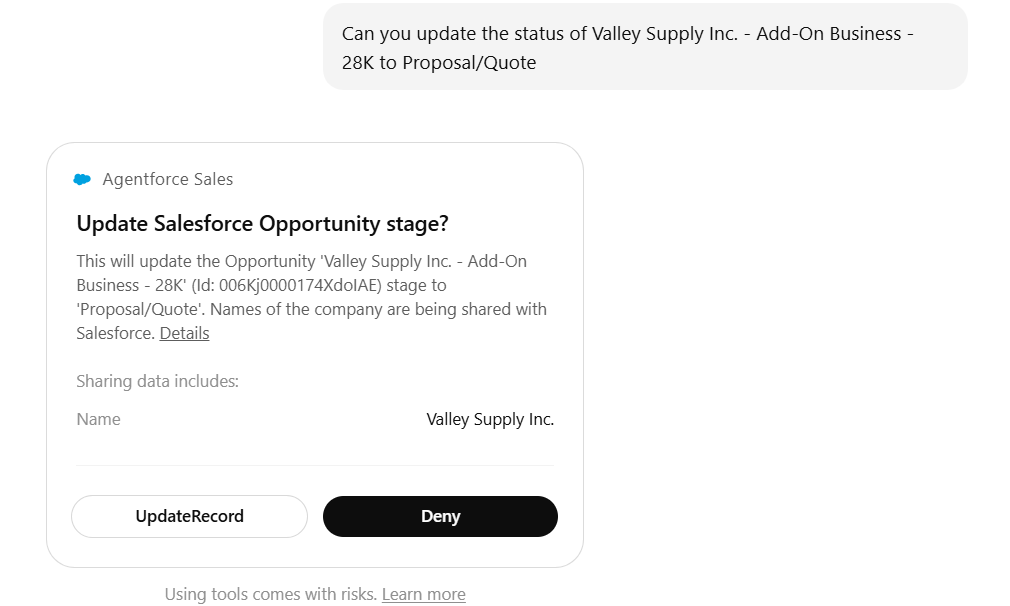
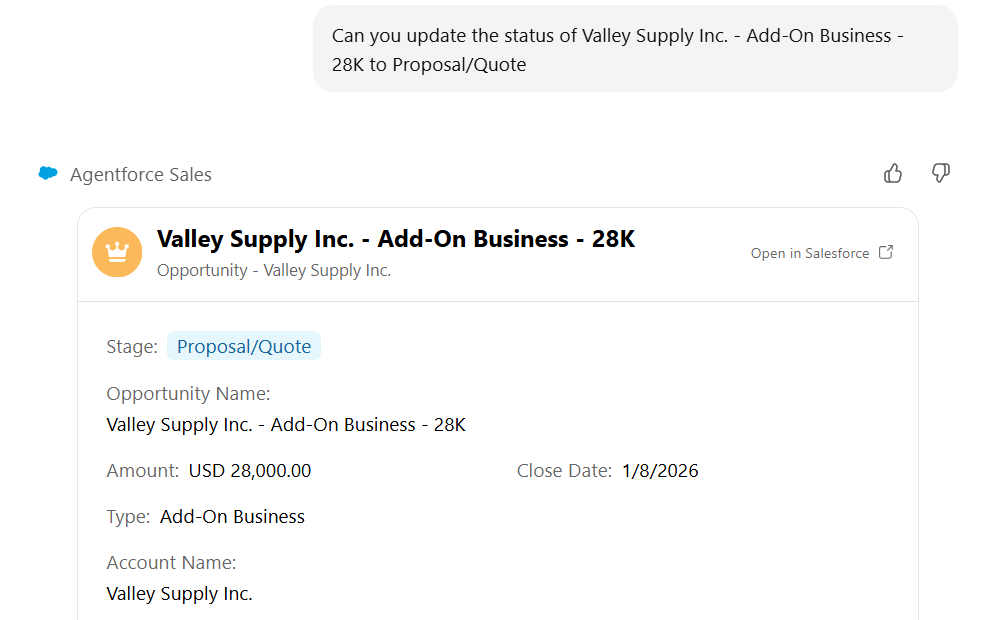
Example 2: Updating Records
“It’s not a dumb data pipe. We’re orchestrating on our side as a system of intelligence.” — Kris Billmaier
Query Analysis → User query routes through Trust Layer
CRM Processing → Salesforce applies permissions & business logic
Action & Audit → Confirmation required, audit trail maintained
Control | Implementation |
Data Masking | Sensitive fields protected |
Zero Retention | ChatGPT doesn’t store CRM data |
Audit Trail | All interactions logged |
Permission Inheritance | Users see only authorised records |
Encrypted Transit | TLS 1.3 encryption |
Limitation | Impact |
Production Only | No sandbox testing |
Standard Objects | Custom objects coming in 2026 |
Query Latency | Slower than direct clicks |
When to Use
Best For:
Complex account research Strategic planning
Delegating routine tasks
Multi-source data synthesis
Not For:
High-volume data entry, simple single-field updates, and quick navigation
Results:
Organisations report:
Category | Improvement |
Time Savings | 40% less admin time 65% faster account planning |
Data Quality | 25% more frequent updates 30% better data completeness |
Productivity | 20% more customer interaction time 35% faster lead response |
Agentforce Sales in ChatGPT bridges conversational AI with CRM intelligence while maintaining enterprise security through the Trust Layer.
Implementation Roadmap:
Phase | Activities |
Phase 1 – Planning (Week 1) | Verify licensing Audit shadow AI usage Identify pilot users (5-10) |
Phase 2 – Deployment (Week 2) | Enable Agentforce settings Configure security Connect pilot users Provide training |
Phase 3 – Adoption | Monitor and gather feedback |
(Weeks 3-6) | Refine policies Expand to the full team |
Phase 4 – Optimisation (Ongoing) | Track KPIs Expand use cases Continuous improvement |
What This Achieves:
Resources:
Resource | Details |
Getting Started | ChatGPT: Search “Agentforce Sales” Salesforce: Setup → Agentforce Settings |
Status | Open Beta – Available Now General Availability – Q1 2026 Custom Objects – Coming 2026 |
Author: Harsh Tiwari, Samiksha Sahu