

Use Case : Customer needs to import all emails along with attachment from their Gmail account into their Salesforce org.
Problem: Currently, there is no way to mass-import emails within the Salesforce User Interface
Resolution: We are going to export email into MBOX format.Then using python script we will generate CSV and using data loader we will insert email into Email Message object in salesforce.
Prerequisite:
1.Python 3.X should be installed in Local system.
In attachment.csv file, Body column prepend the current file path with file name(already present).

Step 3:
- Create Custom Fields in Email Message object to store Message-Id.
- Insert emailMessage.csv using Data loader into salesforce.
- In success.csv file we can get Message-Id and corresponding Salesforce record Id.
- In attachment.csv file get the parent id based on Message-Id using VLOOKUP.
- Insert attachment.csv using data loader.
- we can find Attachment under Email Message related List.

Step 1:
- Go to https://takeout.google.com/
- Sign In to Gmail Account to extract Email.
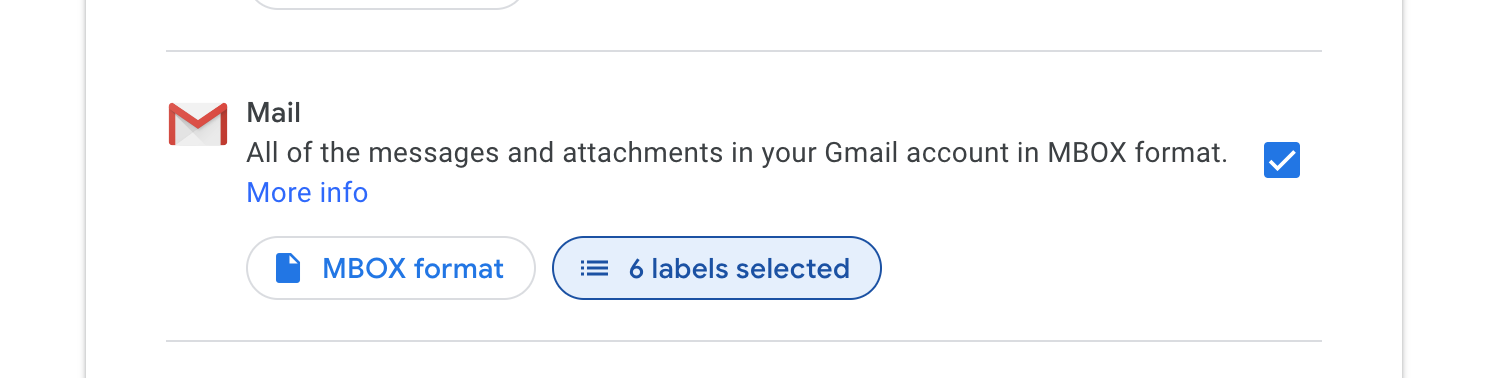
- Check Mail and select the labels to extract all the related Emails.
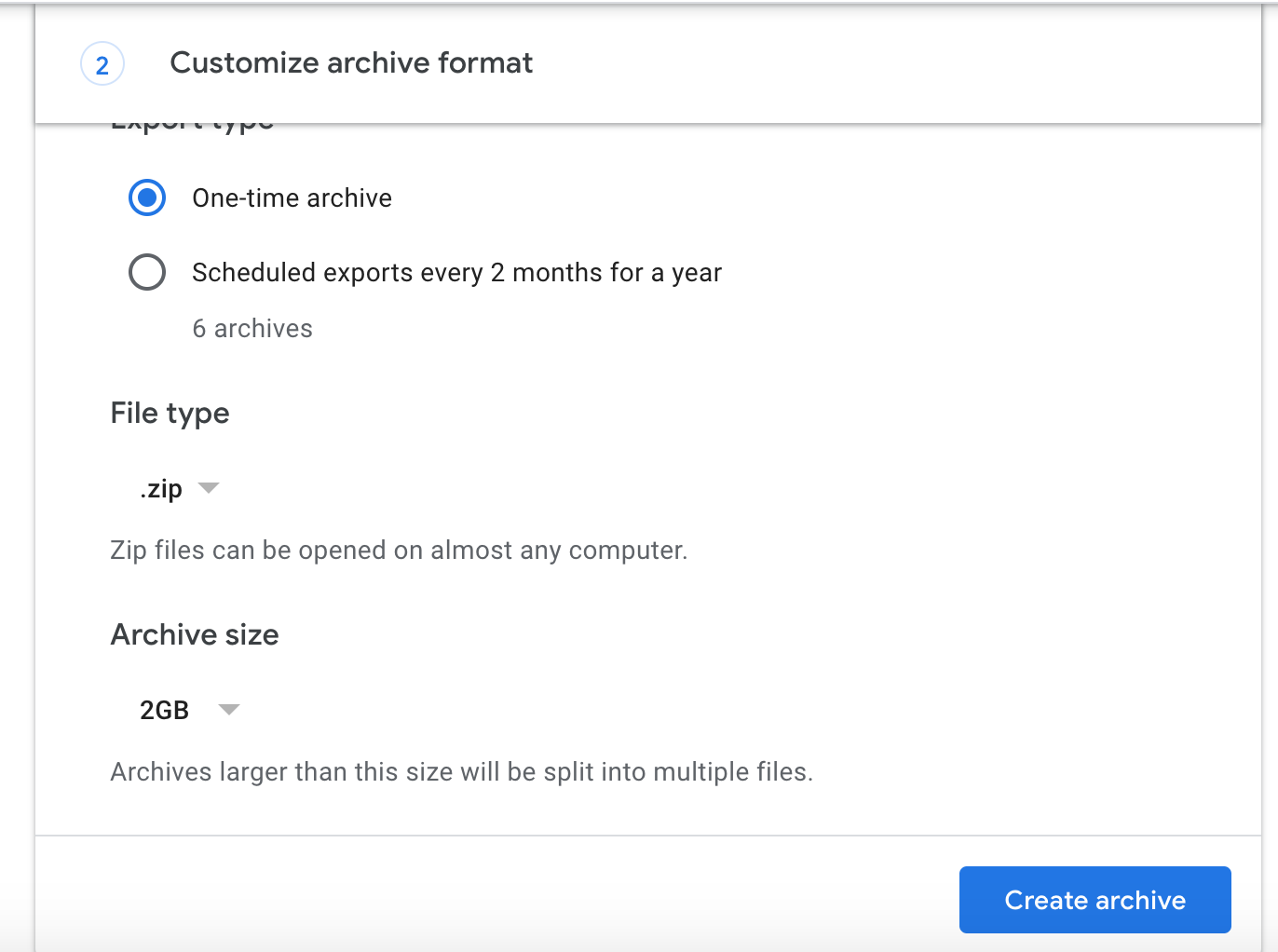
Click create Archive to download MBOX file.
Step 2:
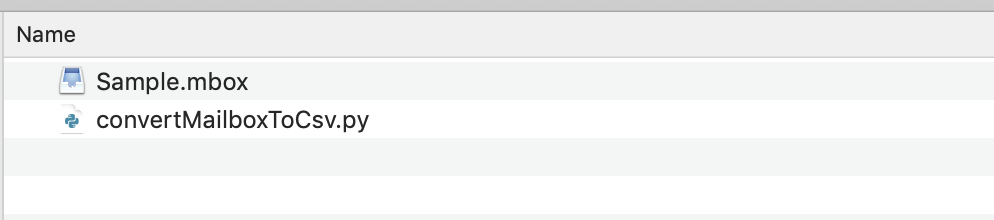
- Place the MBOX file and Python script in a same folder.
- /*** Rename the MBOX file to Sample.mbox***/.
- Get python script from this Github link Python Script
- we will get 2 CSV files ( emailMessage.csv, attachment.csv ) as output along with all the attachment files.
- Message-Id column in emailMessage.csv will act as unique id for each message.
- If there is any attachment, we can find in attachment.csv file. Each attachment will have message Id to signify this attachment belong to which email.
Point to Note :
In attachment.csv file, Body column prepend the current file path with file name(already present).
Step 3:
- Create Custom Fields in Email Message object to store Message-Id.
- Insert emailMessage.csv using Data loader into salesforce.
- In success.csv file we can get Message-Id and corresponding Salesforce record Id.
- In attachment.csv file get the parent id based on Message-Id using VLOOKUP.
- Insert attachment.csv using data loader.
- we can find Attachment under Email Message related List.
2.Data loader.
Step 1:
- Go to https://takeout.google.com/
- Sign In to Gmail Account to extract Email.
- Check Mail and select the labels to extract all the related Emails.
Click create Archive to download MBOX file.
Step 2:
- Place the MBOX file and Python script in a same folder.
- /*** Rename the MBOX file to Sample.mbox***/.
- Get python script from this Github link Python Script
- we will get 2 CSV files ( emailMessage.csv, attachment.csv ) as output along with all the attachment files.
- Message-Id column in emailMessage.csv will act as unique id for each message.
- If there is any attachment, we can find in attachment.csv file. Each attachment will have message Id to signify this attachment belong to which email.
Point to Note :
In attachment.csv file, Body column prepend the current file path with file name(already present).
Step 3:
- Create Custom Fields in Email Message object to store Message-Id.
- Insert emailMessage.csv using Data loader into salesforce.
- In success.csv file we can get Message-Id and corresponding Salesforce record Id.
- In attachment.csv file get the parent id based on Message-Id using VLOOKUP.
- Insert attachment.csv using data loader.
- we can find Attachment under Email Message related List.